How to import Spotify playlists
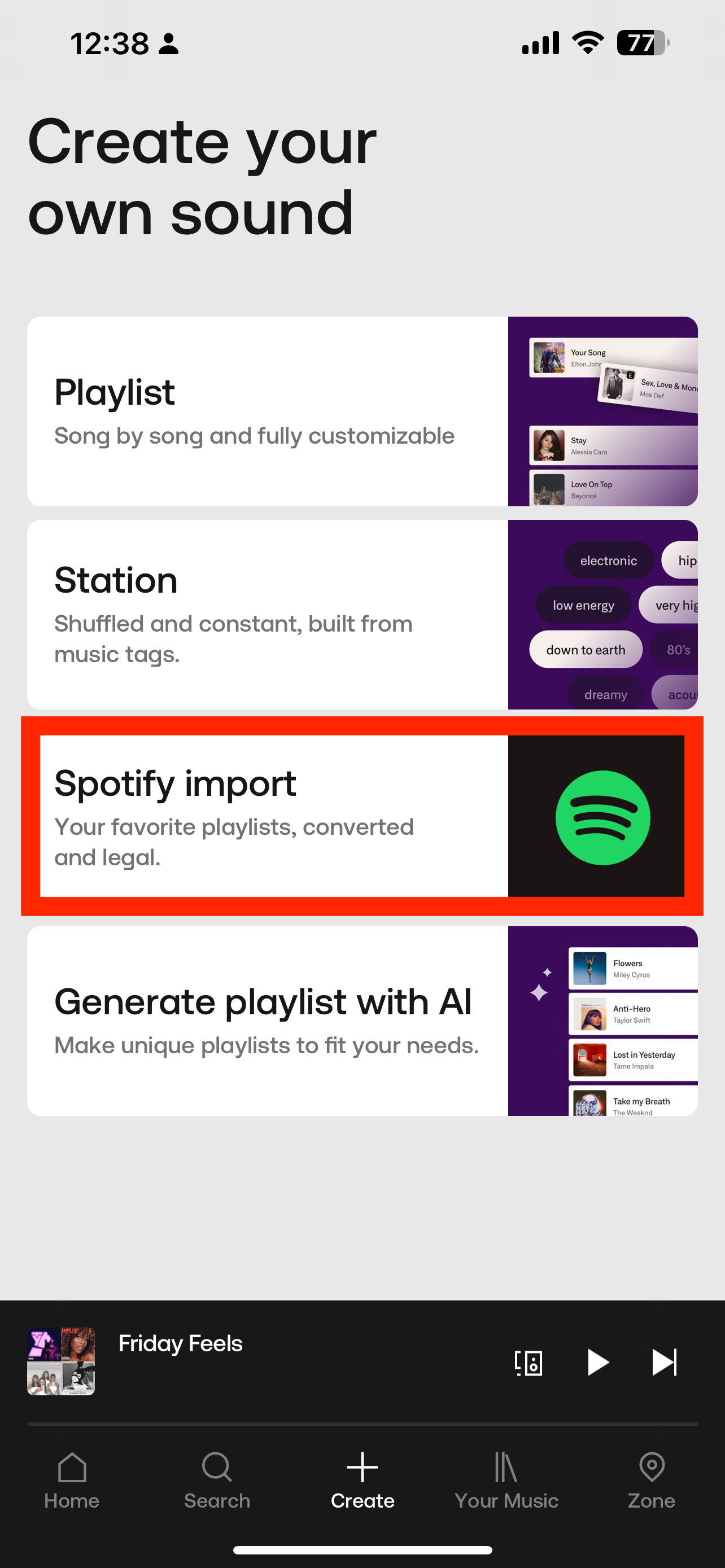
1. Within the Soundtrack app, click + Create on the taskbar at the bottom on the screen
2. Tap Import Spotify
3. Tap Connect
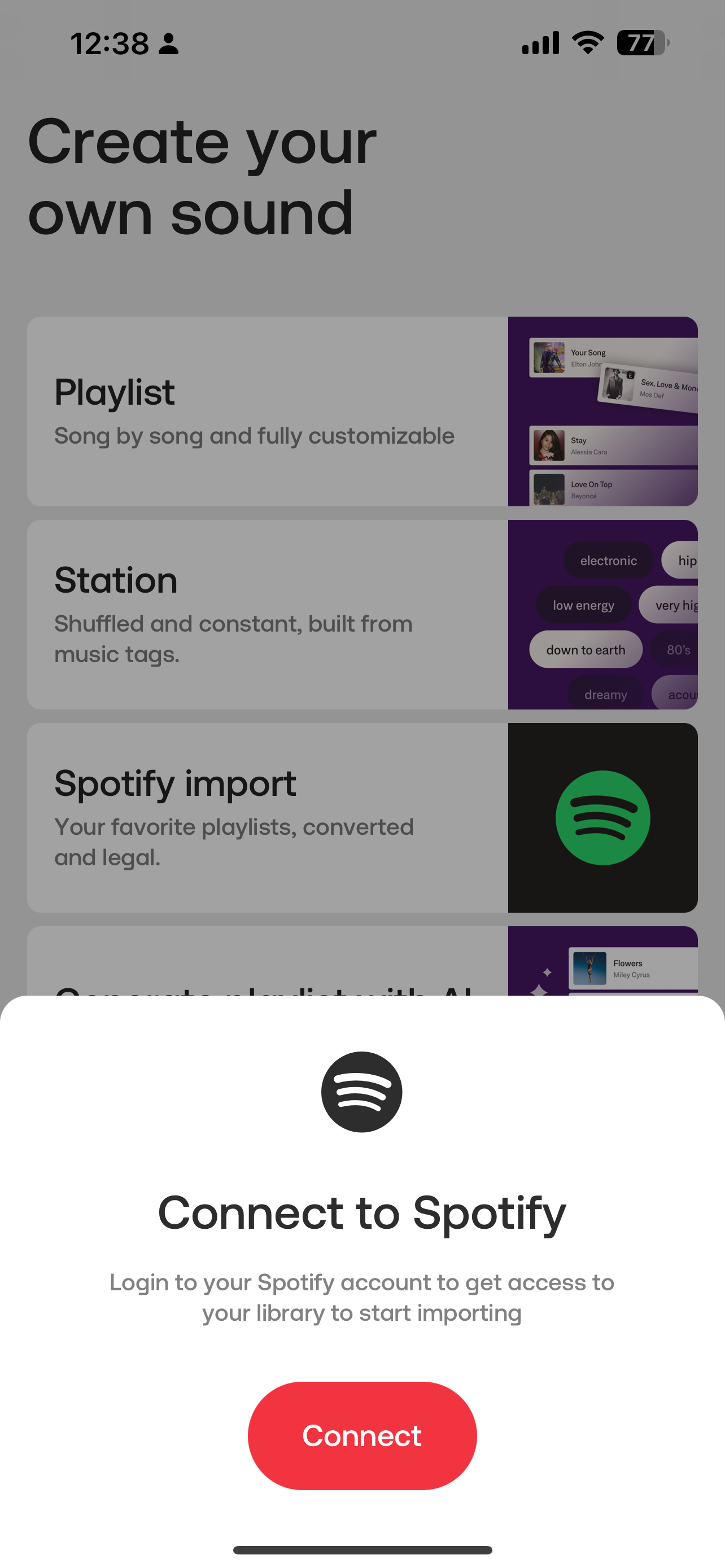
4. Follow the prompts and login to your Spotify account & agree to the connection terms
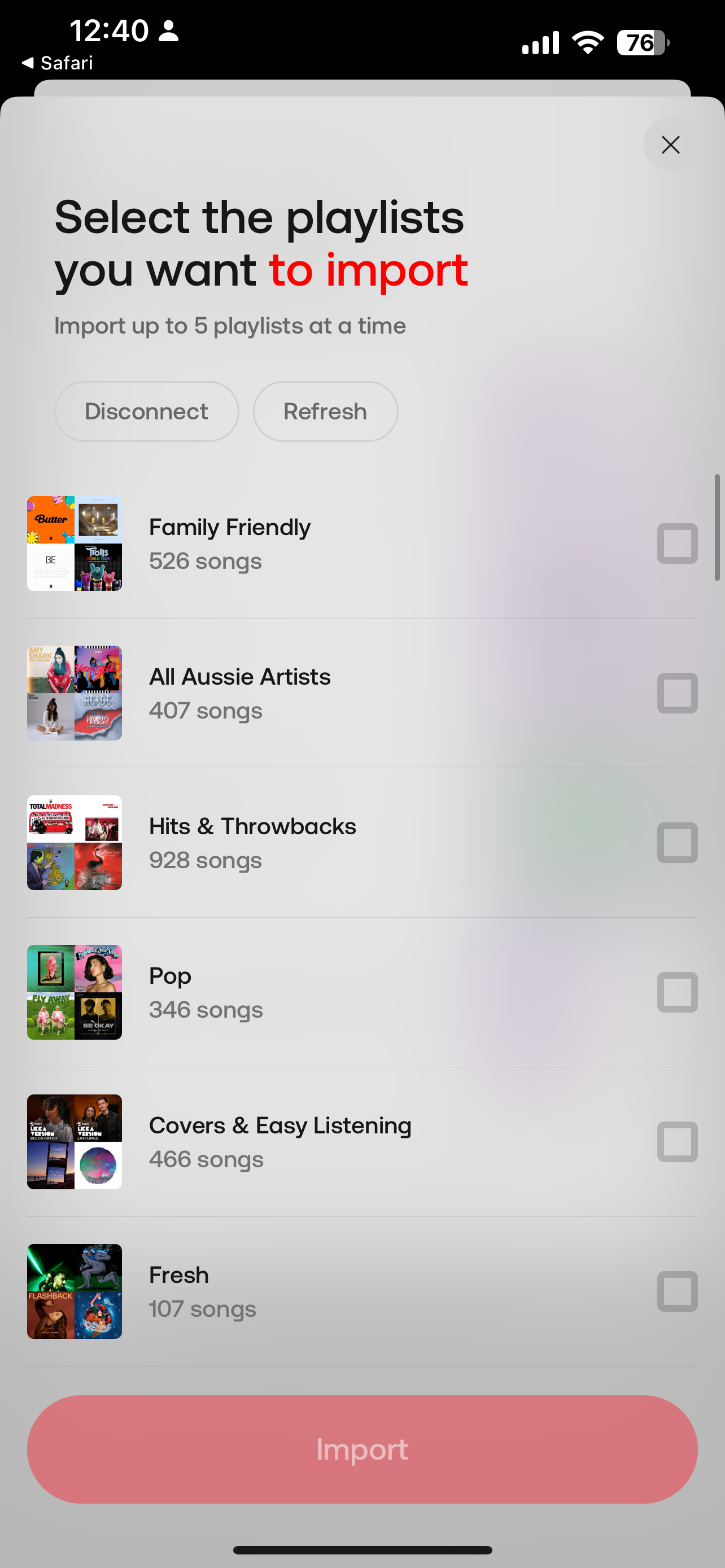
5. A list of your playlists will be listed, simply tick which ones you would like to import
You can only import 5 playlists at a time
If you cannot see your playlist, make sure it is set as Public in Spotify
6. Once the playlist has successfully imported, go to Your Music, tap on the imported playlist and hit play
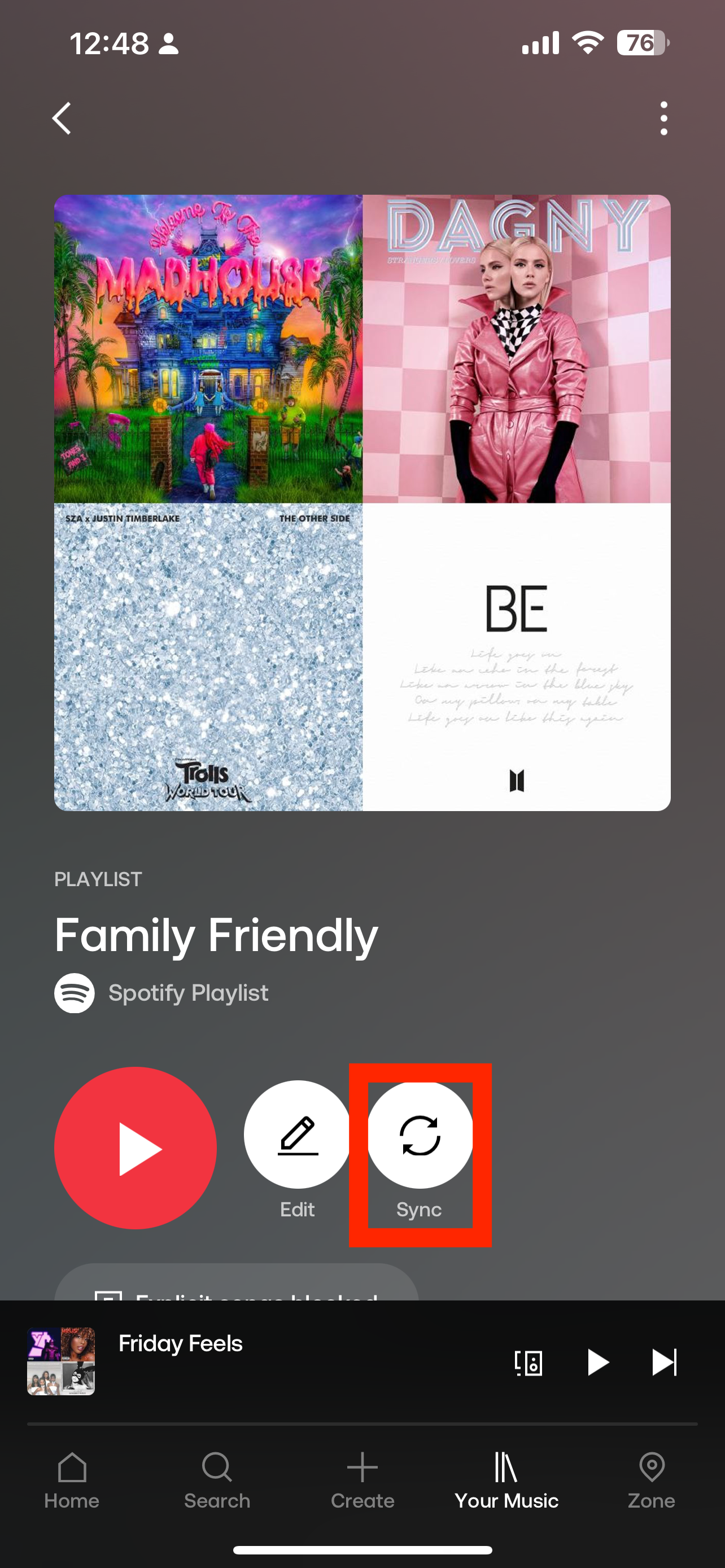
7. Each time you make an update (e.g add/remove a song) in Spotify you will need to sync the playlist in the Soundtrack app. To do this, go to the playlist in the Soundtrack app and tap Sync